
無料オンライン工具
画像
字幕メーカー
JPG、PNG、またはGIF画像にキャプションを簡単に追加。この簡単なオンラインあなたは写真を effortことなくキャプションを追加。
ここに画像をドロップ
JPG、PNG、GIF、WebP、MP4、WebM、MOV
登録不要
即時
透かしなし
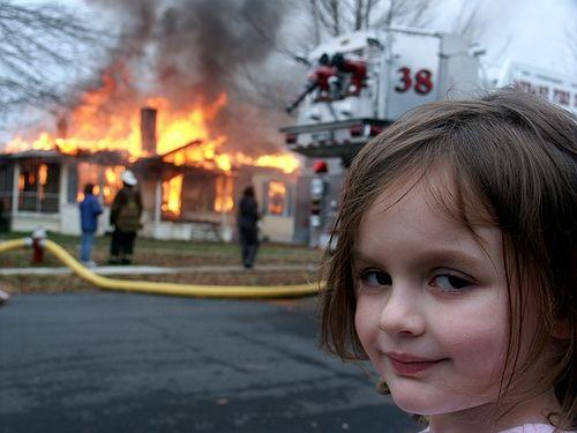
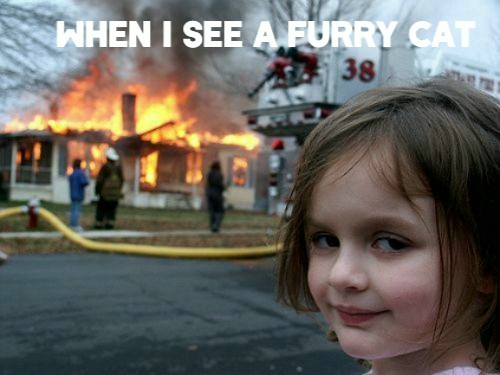
インターネットを悪化させる // 一次 one_pixel씩 // 混沌に参加 // 品質は過大評価されている // インターネットを悪化させる // 一次 one_pixel씩 // 混沌に参加 // 品質は過大評価されている // インターネットを悪化させる // 一次 one_pixel씩 // 混沌に参加 // 品質は過大評価されている // インターネットを悪化させる // 一次 one_pixel씩 // 混沌に参加 // 品質は過大評価されている // インターネットを悪化させる // 一次 one_pixel씩 // 混沌に参加 // 品質は過大評価されている //
前后对比
字幕変身を見る
tools.imageCaptionMaker.comparison.original
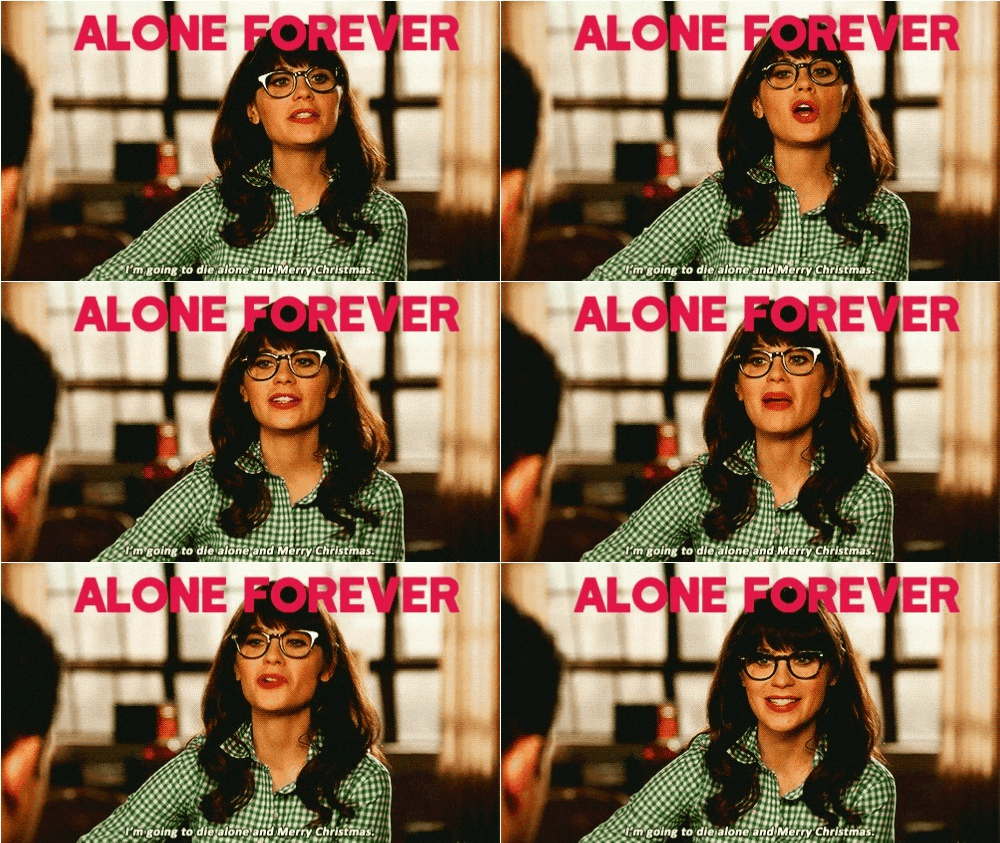
字幕付き
オリジナルGIF
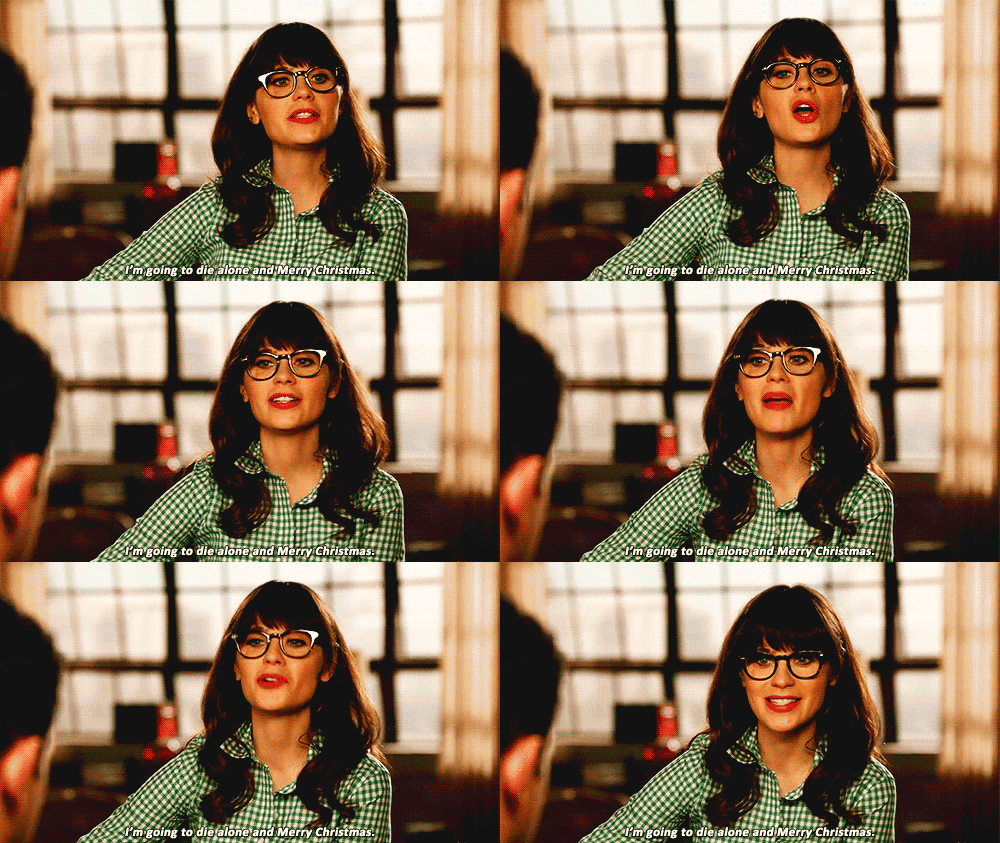
字幕付きGIF
使い方
キャプションを追加する3ステップ
01
画像をアップロード
キャプションを追加する画像をアップロード。JPG、PNG、GIF、およびWebP形式をサポート。
02
キャプションを作成してカスタマイズ
キャプションを追加し、視認性と魅力を高めるためにフォントスタイル、サイズ、色配置をカスタマイズ。
03
ダウンロードして保存
結果に満足したら、共有またはさらなる編集のために好みの形式で字幕付き画像を保存。
FAQ
よくある質問への回答
最も効果的なキャプション配置戦略は何ですか?
ミームの慣例は8-12%画像の高さのImpactフォントでtop/bottomテキストを配置。ソーシャルメディアには、左揃えのキャプションがモバイルの読み取り可能性を改善(ユーザーは左から右へのスキャンを期待)。スクリーンショットには、視認性を确保するために半透明の背景ボックス(単なるテキストではなく)を使用。
テキスト背景ボックスのブレンディングはどのように機能しますか?
背景ボックスは「lighten」ブレンドモードを70-85%不透明度で使用(暗い画像の上のライトボックスの場合、または「multiply」对于ライト画像上の暗いボックス)。これにより、画像を完全に隠すことなく複雑な背景の上でテキストが読み取り可能に。画像コントラストに基づいて不透明度进行调整—高コントラスト画像低い不透明度が必要。
テキスト対画像サイズ比の最適値はありますか?
フォントサイズは1行キャプションには画像幅の5-8%、bodyテキストには3-5%が必要。高DPIディスプレイでは、24pxでレンダリングされるものがモバイルでは12px同等に見える可能性があることを忘れないででしてください。最終決定前に電話で出力をテスト—ほとんどのキャプション視認性失敗はデスクトップでは読み取り可能だがモバイルでは小さすぎるテキストから発生。
さまざまなプラットフォーム用のキャプションスタイルを作成するにはどうすればいいですか?
YouTube:白Impactフォント、黒stroke 2px、下部から10%。Twitter/X:白フォント、strokeなし、左揃え、6%フォントサイズ。Instagram:白フォント、わずかなシャドウ、8%フォントサイズ、中央揃え。TikTok:太字サンセリフ、テキスト効果「字幕」スタイル(わずかな回転、高コントラスト)。
なぜエクスポートされたテキストはプレビュー稍微異なって見えますか?
ブラウザレンダリングエンジン(Gecko、WebKit、Blink)は異なるフォント hintingアルゴリズムを使用。プレビューはシステムレンダラーを使用;エクスポートは固定レンダリングパイプラインを使用。一貫性を保証するには、2x解像度でPNGをエクスポート—これによりレンダリングの違いビジュアルインパクトが減少。フォントのサブピクセル位置がシステム間で1-2pxシフトする場合がある。
キャプションはどこまでアクセシビリティ要件を満たす必要がありますか?
WCAG準拠には:通常のテキストはコントラスト比≥4.5:1、大きなテキスト(18pt+または14pt bold+)は≥3:1。パターンの背景に直接テキストを配置しないように避ける—グレースケールに変換して視認性を確認することでテスト。モーショングラフィックスには、字幕タイミングは1分あたり120-150語のpeech rateに一致する必要がある。

準備はいいですか?
アートを作る? Art?
読むのをやめる。混沌を作り始めよう。