Comment Faire des Memes de Basse Qualité
L'art de la dégradation intentionnelle.

Transformez vos photos en pixel art époustouflant en quelques clics. Créez des graphiques rétro et des artworks 8 bits nostalgiques.
Déposez votre image ici
JPG, PNG, GIF, WebP, MP4, WebM, MOV

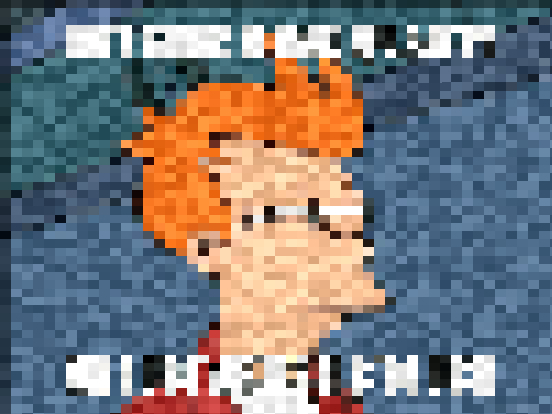
Voyez la magie du pixel

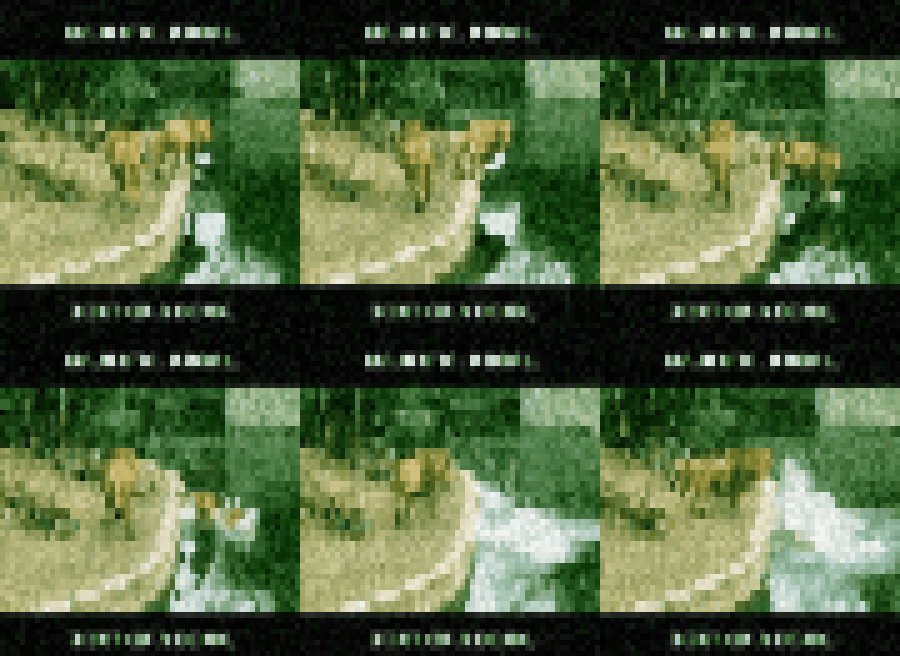
Trois étapes vers le pixel art
Sélectionnez Votre Image
Choisissez n'importe quelle photo ou image depuis votre appareil. Fonctionne avec JPG, PNG, GIF et WebP. Les sujets nets avec un bon contraste produisent les meilleurs résultats.
Ajustez les Paramètres de Pixel
Affinez l'intensité de la pixélisation. Utilisez les curseurs pour définir la taille du bloc, ajustez la profondeur de couleur et prévisualisez les changements en temps réel.
Téléchargez Votre Pixel Art
Téléchargez votre pixel art dans le format préféré. Prêt pour les jeux, réseaux sociaux, projets d'art numérique, ou partout où vous avez besoin de ce look rétro.
Questions fréquentes répondues
Nous offrons plusieurs algorithmes : Voisin le Plus Proche (bords de pixels durs, mappage de blocs 1:1), hq4x (algorithme de largestria, lisse tout en préservant les bords), xBRZ (scalaire branché, meilleure préservation des diagonales) et Pixel Parfait (sélection de couleur la plus proche automatique avec alignement de grille explicite). Chacun produit des résultats nettement différents à la même résolution.
Après mise à l'échelle, nous réduisons les couleurs en utilisant : Coupe Médiane (rapide, préserve la distribution des teintes), Octree (mémoire efficace, bon pour la transparence) et Tramage par Diffusion (Floyd-Steinberg, produit une texture organique). 16-32 couleurs produit typiquement des sprites reconnaissables ; 4-8 couleurs crée une esthétique de jeu rétro authentique mais peut perdre en détail.
Le sous-échantillonnage simple utilise l'interpolation bilinéaire/bicubique qui produit des résultats flous. La pixélisation utilise le moyennage par blocs (chaque pixel de sortie = moyenne des pixels d'entrée dans ce bloc), préservant les bords durs. Notre outil applique la détection de bords avant le moyennage pour prévenir les artefacts d'aliasing sur les lignes diagonales—une technique appelée "pixélisation intelligente".
Pour Unity/Godot/GameMaker : exportez à 1x, 2x ou 4x de votre résolution native. Définissez les paramètres d'import sur le mode filtre "Point" (pas Bilinéaire) pour éviter le flou. Palette cible : 16 couleurs pour l'ère NES/SNES, 256 pour l'ère PS1/N64. Notre préréglage "Game Boy" sort une palette verte à 4 couleurs (#0f380f, #306230, #8bac0f, #9bbc0f).
L'aperçu montre le mappage de pixels 1:1 à la DPI de votre moniteur. L'exportation redimensionne à la résolution cible, appliquant l'algorithme de mise à l'échelle sélectionné. Si l'exportation se fait vers une taille plus grande (ex. 512x512 depuis 64x64), nous réexécutons l'algorithme de mise à l'échelle plutôt qu'un simple suréchantillonnage, assurant des bords nets à la nouvelle taille.
Les images sources 4-8x plus grandes que la résolution cible produisent les meilleurs résultats. Par exemple, une source 512x512 pour créer un sprite 64x64. Les images très haute résolution (>4096px) peuvent produire des artefacts debido al moyennage de couleurs à travers les bords. Sous-échantillonnez les grandes sources en deux passes si vous voyez des halos autour des bords.
Arrêtez de lire. Commencez à créer le chaos.