
How to Add Captions to Gif Memes - Top 5 Gif Editors
I've been making GIF memes for a while now, and if there's one thing I've learned, it's that a great caption can make or break a GIF. Finding the right tool to add text without destroying the animation used to be a pain — so I tested five of the most popular free options and ranked them by ease of use. Whether you need something quick or want more control over text animation, here's what actually works.
Choose the right Gif meme generator
Numerous online GIF editors are available to serve as GIF caption makers, allowing you to add text to an animated GIF without the need to install any software on your computer. Below, we will introduce the top 5 of these editors.
1. Add Text to GIF with Online GIF Meme Generator -lowqualitymemes.com
There are many online GIF makers that allow you to add text to GIFs, and lowqualitymemes.com is the simplest one. With it, you can easily add humorous captions, words, and other stunning effects to an animated GIF with just a few clicks.
To create add captions to a gif meme, follow these steps:
1. Go to lowqualitymemes.com
2. Upload your GIF.
3. Go to add caption tab, and you can tweak font style, size, color and position to your liking
4. If you want to add some "humor", reducing resolution, increasing the noise, and adjusting the color balance by simply dragging the toggles.
5. Check for any errors and confirm whether the caption complements the GIF seamlessly.
6. Hit the "download" button, choose your desired storage location, and voila! You now have a personalized GIF meme adorned with a witty caption, all set to entertain!
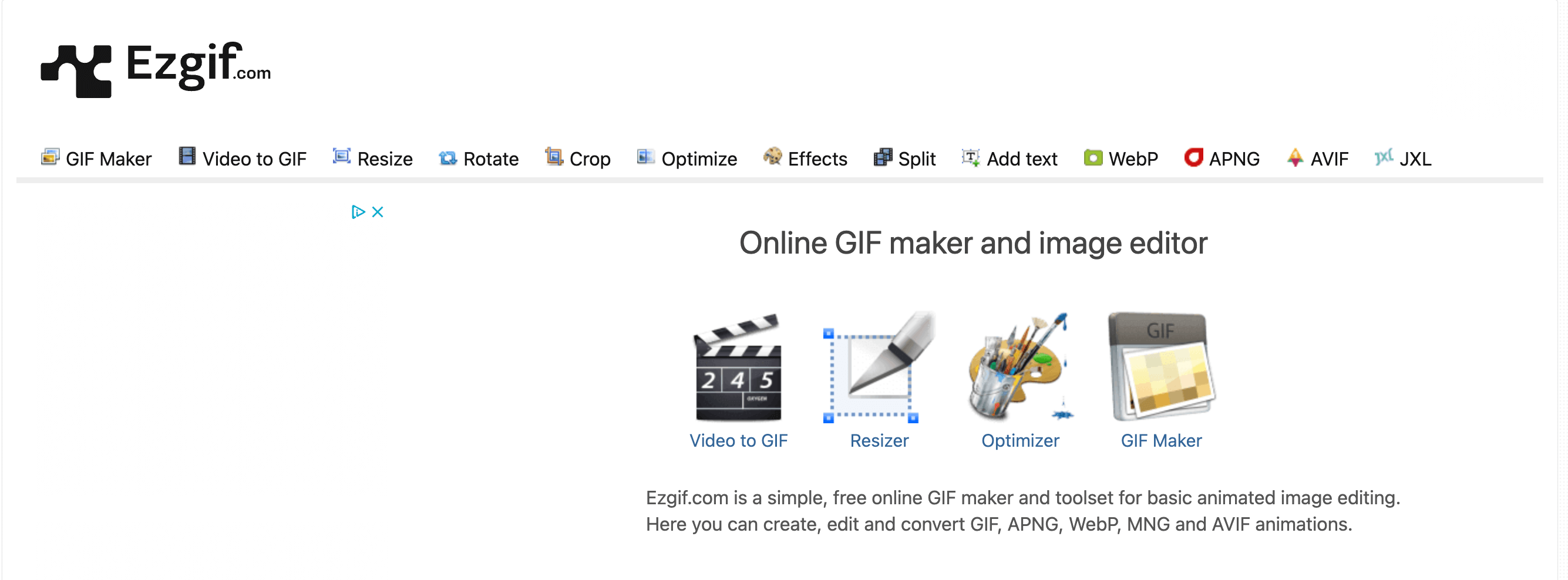
2. Add Text to GIF with Online GIF Editor - EzGIF.com
EZGIF is a very transitional but easy-to-use web-based tool for editing GIFs, offering a wide range of features to help users make impressive GIFs. With its online text editor, users can easily add text to animated GIFs in various styles without affecting the animation.
3. Add Texts to GIF with Online Video Editor - kapwing.com
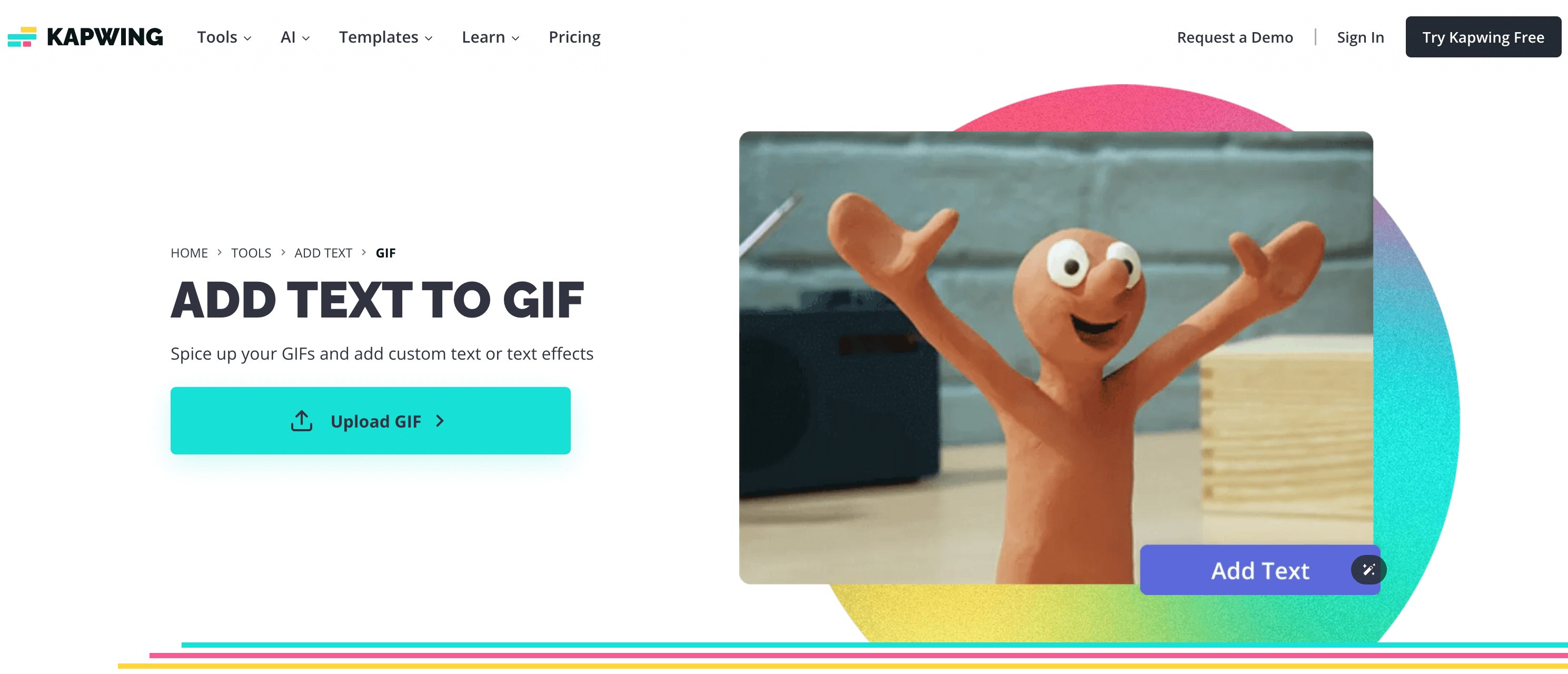
Kapwing is initially designed for making memes, although it is a web-based video eiditing tool now. To add text to a GIF using Kapwing, you can follow these steps:
1. Upload your GIF from your device, paste the GIF link, or choose a GIF inside the editor on the Kapwing Add Text to GIF tool.
2. Add a text box and write your message on the GIF.
3. Customize the text by changing the font style, size, color, and adding effects to animate the text on the GIF.
4. Once you are done editing, you can export your GIF and share it with others using the auto-generated link or by downloading it.
4. Add Texts to GIF with Online GIF Editor - GifGifs
This tool is an online GIF editor that lets you quickly add text to animated GIFs. Simply upload your GIF, input your text, select font styles, and click the "ADD TEXT" button to complete the process in just a few seconds. But you can't see the final work instantly.

5. Add Text to GIF with Online GIF Editor - canva.com
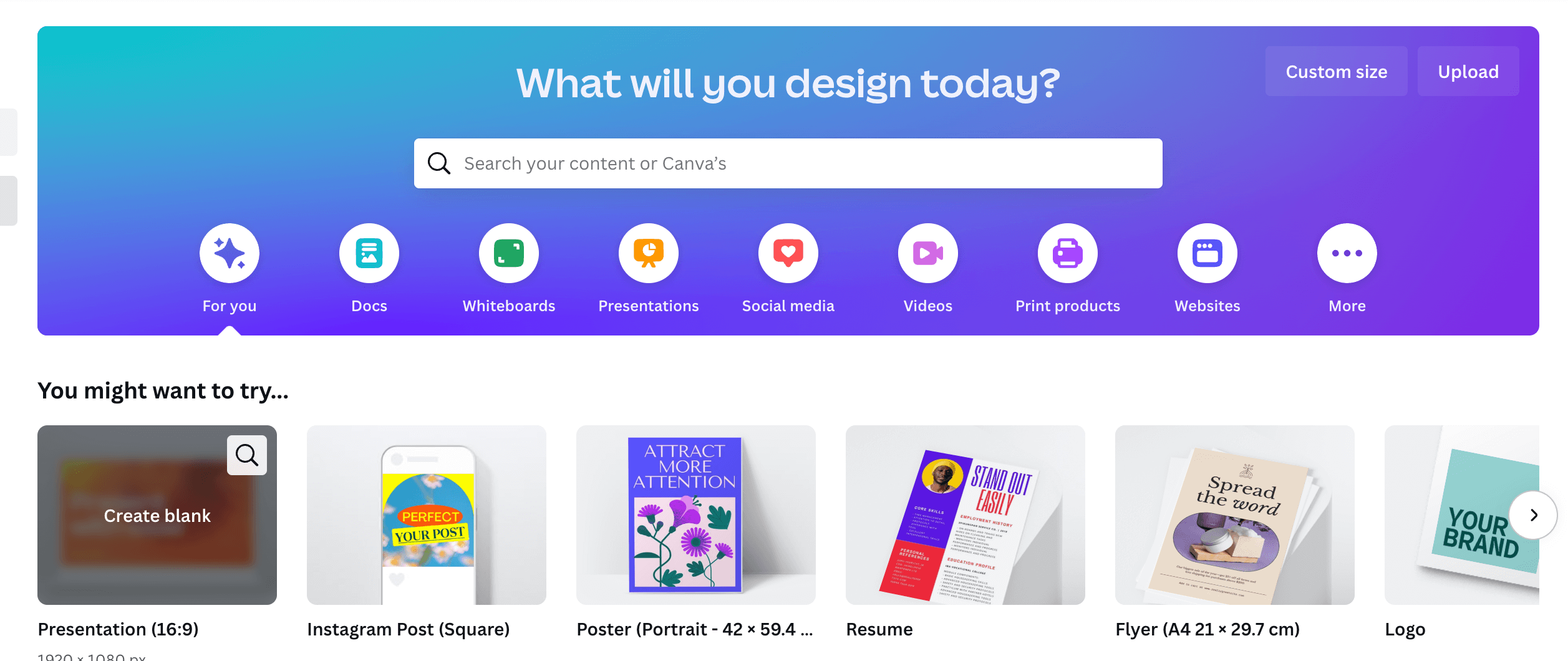
Canva is an online graphic design tool that is free to use. It allows users to add subtitles to GIFs and enhance the text with icons, shapes, and graphics from its content library. Users can also apply text animations to make their words, captions, or catchphrases more impactful. Simply click the Animate button at the top of the editor for various fun options.
But, to be honest, canva is a little bit complex for who just want to add text to gif to make a meme.
Conclusion
That's all about adding text to a GIF meme. You can utilize lowqualitymemes.com online GIF maker to create a personalized GIF meme with amusing captions, or choose from one of the 4 GIF caption makers to easily add text to a GIF.