
Free Meme Generator Online - Make Custom Memes Instantly
A meme generator online is the fastest way to turn a random image into something postable: upload the picture, slap some text on it, download, share. No Photoshop, no signup, no watermark. Just the modern version of writing on a photo with MS Paint — except this time it actually looks like a meme.
I run the meme generator at lowqualitymemes.com, and after watching a few hundred thousand memes get made, I've put together what actually matters: what makes a meme generator usable, how to write captions that land, and which formats are still funny in 2026 (and which ones will get you ratioed).
What Is a Meme Generator?
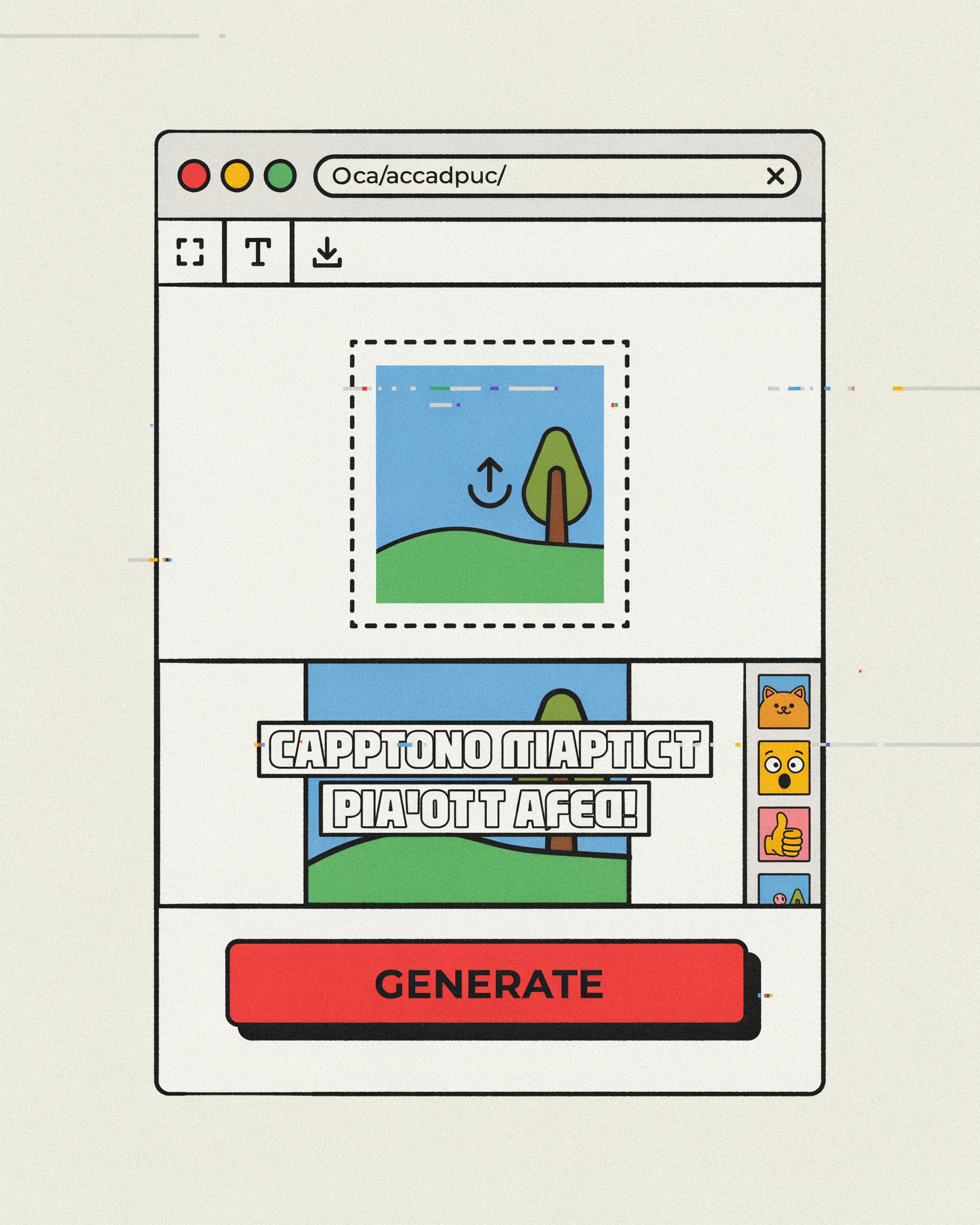
A meme generator is a tool — usually browser-based — that lets you upload an image, add captions (typically Impact font with black border), drop in emojis or stickers, and export the result as a shareable meme. The good ones handle the formatting for you so the text reads cleanly on any background.
Most meme generators cover three things:
- Custom image upload — bring your own picture or screenshot.
- Text overlay — usually top and bottom captions in the classic Impact-with-black-stroke style.
- Pre-built templates — Drake, distracted boyfriend, two buttons, expanding brain. The canon.
Beyond those three, features branch out. Some tools (like ours) also handle GIF captions, emojis, watermarks, and downstream effects like deep frying. But the core job is always the same: get an image, get text on it, get it out the door.
Why Use an Online Meme Generator?
There's no shortage of ways to put text on a picture. So why use a dedicated meme generator instead of Photoshop, Canva, or the built-in markup tool on your phone?
- Speed. A real meme generator is built for one job. Upload, type, download — under 30 seconds. Photoshop takes longer just to open.
- Correct typography by default. Impact font, all caps, white fill with black stroke, tight letter spacing — these aren't arbitrary choices, they're the format. A meme generator applies them automatically.
- No signup, no app install. Browser-based tools work on any device and don't ask for your email.
- Templates built in. You don't have to go find the Drake template — it's already there. See our meme templates page for the full library.
- No watermark on export. A lot of "free" meme apps stamp their logo on your output. The good generators don't.
If you've ever tried to make a quick meme in a generic image editor and ended up fighting the font rendering for ten minutes, you already understand the case for a dedicated tool.
How to Make a Meme Online (Step by Step)
The workflow in our free meme generator is roughly the same as any decent tool in the category:
- Pick your source image. Either upload your own (a screenshot, a photo, an existing meme you want to remix) or start from a template like Drake or distracted boyfriend.
- Add the caption. Top text, bottom text, or both. Stick to all-caps Impact. The generator handles the stroke and positioning — you just type.
- Position carefully. Top text hugs the top edge; bottom text hugs the bottom. Don't float text in the middle of the image unless you're going for a specific format that calls for it.
- Layer on emojis or stickers if the format needs them. Cry-laughing, skull, clown — each format has emoji conventions. Don't overdo it.
- Export and download. JPG for photos, PNG if you need transparency, GIF if you're animating. No watermark.
The whole thing should take under a minute from upload to download. If your tool takes longer, you're using the wrong tool.
Popular Meme Formats You Can Make
A good meme generator should let you handle every classic format without thinking too hard. Quick tour of the ones still landing in 2026:
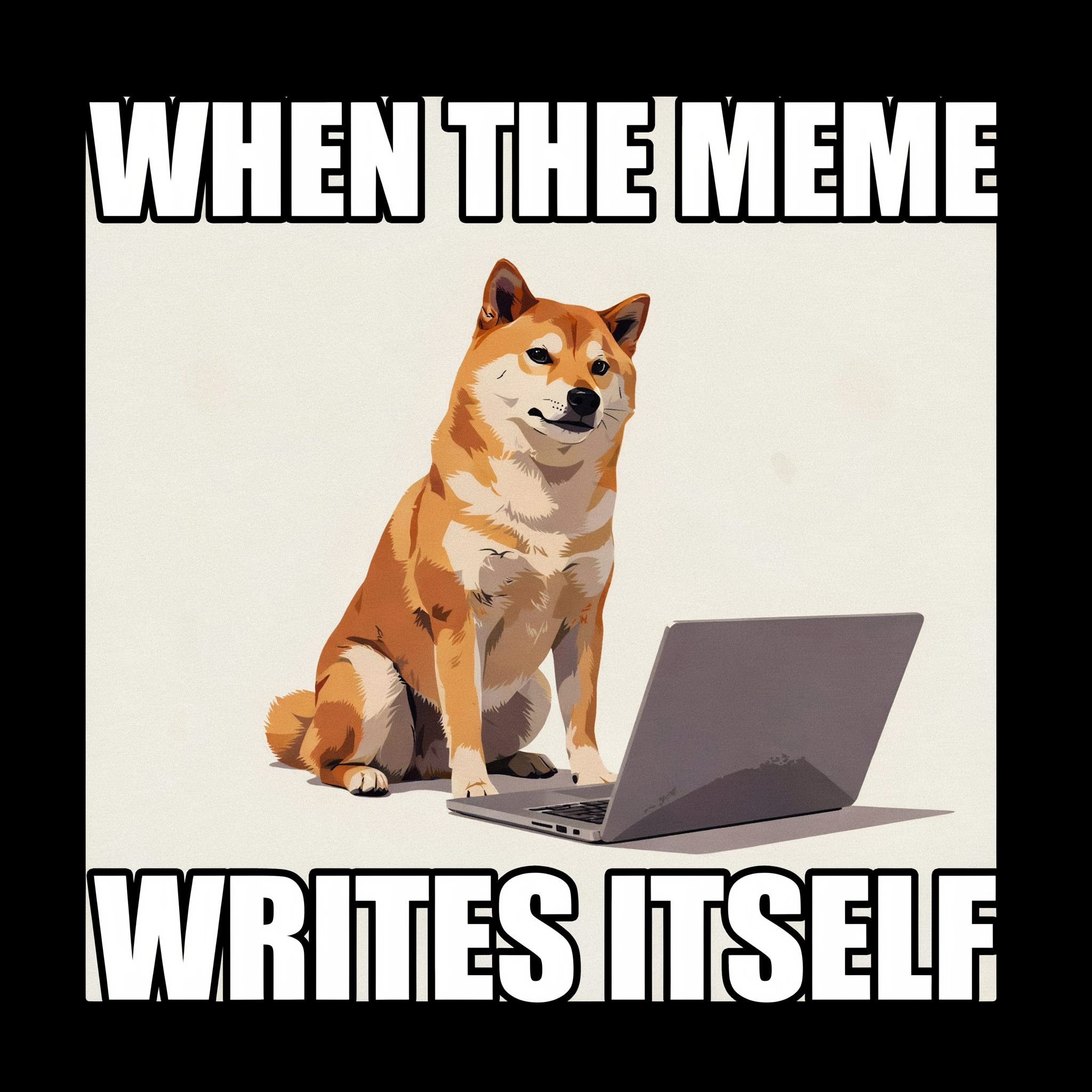
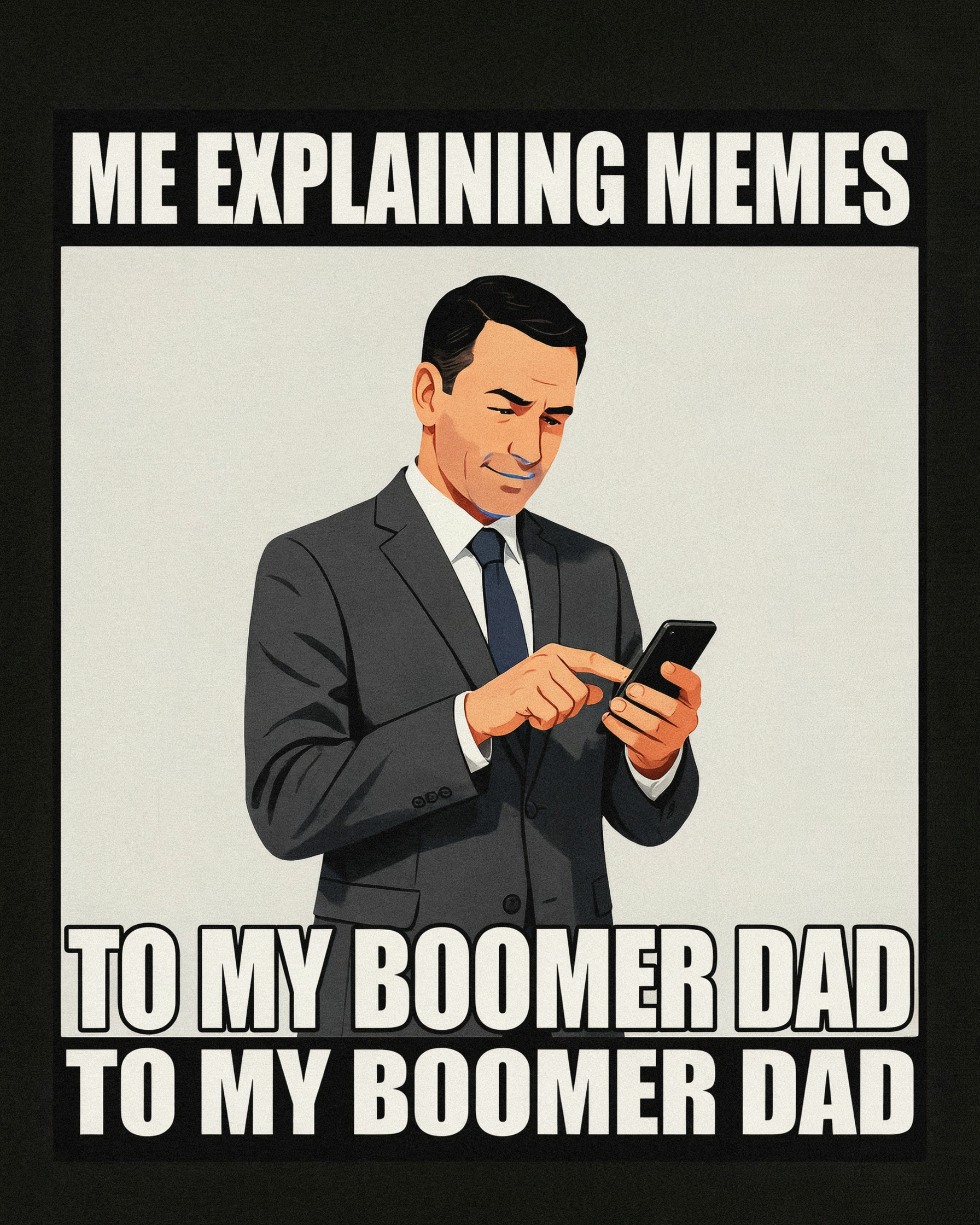
- Top/bottom caption (the OG). Image with text on top, text on bottom. The format that started it all. Still works.
- Reaction meme (single-caption). A frame from a show or movie with one short caption. Think "this is fine" dog.
- Two-panel comparison. Drake, distracted boyfriend, is this a pigeon. Pick a template, swap the labels.
- Expanding brain / galaxy brain. Four- or five-panel escalation joke. The format practically writes itself.
- Stonks / trending. Single image, one absurd word or phrase. Lower effort, higher hit rate if the timing's right.
- Deep fried remix. Take any of the above and run it through the meme deep fryer for an extra layer of irony.
If you want to start from a ready-made format, the template library has the canon. If you're going custom, the top/bottom caption format is your safest bet.
Tips for Funnier Custom Memes
Making the meme is easy. Making it land is harder. A few principles that consistently matter:
- Keep captions short. If your caption is more than ~6 words per line, rewrite it. Memes are billboards, not essays.
- Specific beats general. "When the deploy breaks on Friday at 5pm" is funnier than "when work is hard." Specificity is the joke.
- Match the format to the energy. Don't force a wholesome reaction image into a cynic's take. Mismatched format and tone reads as try-hard.
- All caps, Impact, black stroke — always. If your generator lets you pick fonts, the answer is still Impact. The format is the format.
- One joke per meme. If you're trying to make two points, make two memes. Compression kills both.
- Test on one friend before posting. If they don't get it in two seconds, rewrite. Memes are speed runs.
Free Meme Generator Online FAQ
Is the meme generator actually free?
Yes. The tool at lowqualitymemes.com is completely free — no signup, no premium tier, no watermark on export. Upload, caption, download.
Do I need to install anything?
No. It runs entirely in the browser. Desktop, iPhone, Android, Chromebook — all work the same. No app, no extension.
Can I use my own image?
Yes. Upload any image file (JPG, PNG, even GIF). You can also start from a pre-built template if you don't have a source image in mind.
What's the best font for memes?
Impact, all caps, white fill with a black stroke, tight letter spacing. That's not a preference — it's the format. Almost every meme you've ever seen uses Impact or a close substitute.
Can I make a meme with a GIF?
Yes. The generator handles animated GIFs, and there's a dedicated add text to GIF tool if you want more control over animation timing.
Can I use the meme commercially?
You own the meme you create — there's no license claim on the output. But you're responsible for the rights to the source image. Memes made from copyrighted movie stills or photos are technically iffy if you're using them commercially; for personal posting, nobody cares.
Go Make a Meme
If you've got an image in mind and a joke ready, open the meme generator, upload it, type your caption, and download. The whole thing should take less than a minute.
Already done and want to push it further? Try the deep fried meme guide for the over-processed aesthetic, or browse low quality meme techniques for the softer side of image destruction.