
FREE ONLINE TOOL
IMAGE TO
8-BIT ART
Turn any photo into nostalgic 8-bit pixel art inspired by classic NES and arcade games. Free, instant, and no signup.
Drop your image here
JPG, PNG, GIF, WebP, MP4, WebM, MOV
No signup
Instant
No watermarks

MAKING THE INTERNET WORSE // ONE PIXEL AT A TIME // JOIN THE CHAOS // QUALITY IS OVERRATED // MAKING THE INTERNET WORSE // ONE PIXEL AT A TIME // JOIN THE CHAOS // QUALITY IS OVERRATED // MAKING THE INTERNET WORSE // ONE PIXEL AT A TIME // JOIN THE CHAOS // QUALITY IS OVERRATED // MAKING THE INTERNET WORSE // ONE PIXEL AT A TIME // JOIN THE CHAOS // QUALITY IS OVERRATED // MAKING THE INTERNET WORSE // ONE PIXEL AT A TIME // JOIN THE CHAOS // QUALITY IS OVERRATED //
Before & After
See the 8-bit transformation
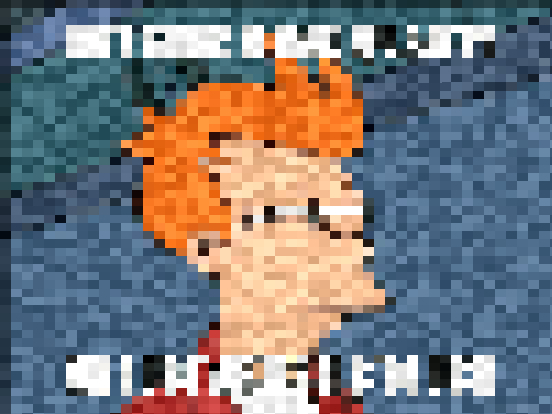
Original Image
8-Bit Result
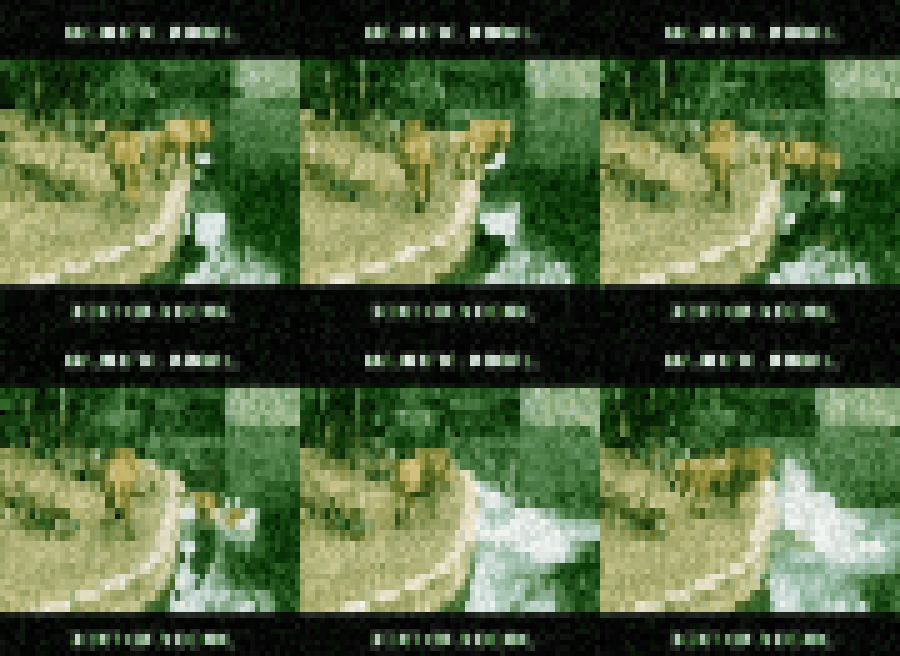
Original GIF

8-Bit GIF
HOW IT WORKS
Three steps to 8-bit
01
Upload Your Image
Choose any photo from your device. JPG, PNG, GIF, and WebP are all supported.
02
Pick an 8-Bit Preset
Choose a retro palette — NES, Game Boy, or arcade — and tune the pixel block size and color depth in real time.
03
Download Your 8-Bit Art
Export your 8-bit image for games, sprites, avatars, or anywhere you want that classic retro look.
FAQ
Common questions answered
What is 8-bit art and how is it different from pixel art?
All 8-bit art is pixel art, but not all pixel art is 8-bit. '8-bit' refers to the limited color palettes and low resolutions of 8-bit consoles like the NES. Our converter enforces a small color palette and chunky pixels to recreate that authentic retro look.
Which retro color palettes can I use?
We offer several classic palettes, including the NES master palette (54 colors, around 25 on screen), the Game Boy 4-green palette, and a bright arcade palette. Each one changes the mood of your image dramatically.
What resolution should 8-bit art be?
Authentic 8-bit sprites are tiny — often 16x16 or 32x32 pixels. For photos, the converter downsamples to chunky blocks and upscales the result with nearest-neighbor scaling so the hard pixel edges stay crisp.
Is the 8-bit image converter free?
Yes — completely free, no signup, and no watermark. Everything runs directly in your browser, so your images never leave your device.
Can I convert animated GIFs to 8-bit?
Yes. Each frame is palettized individually, so the animation is preserved while every frame gets that chunky 8-bit retro style.
RELATED ARTICLES
Learn more about the dark arts

Ready To
Make Art? Art?
Stop reading. Start creating chaos.