
What 144p Memes Are and How to Create One?
I spend way too much time on Reddit's r/memes community, and lately I've noticed a strange trend — the blurrier the meme, the more upvotes it gets. People keep saying "144p is the best meme quality," and honestly, after trying it myself, I get it. There's something hilarious about an image so pixelated you can barely tell what's happening. In this guide, I'll walk you through what 144p memes are, show you some iconic examples, and teach you how to make your own.
What are 144p memes?
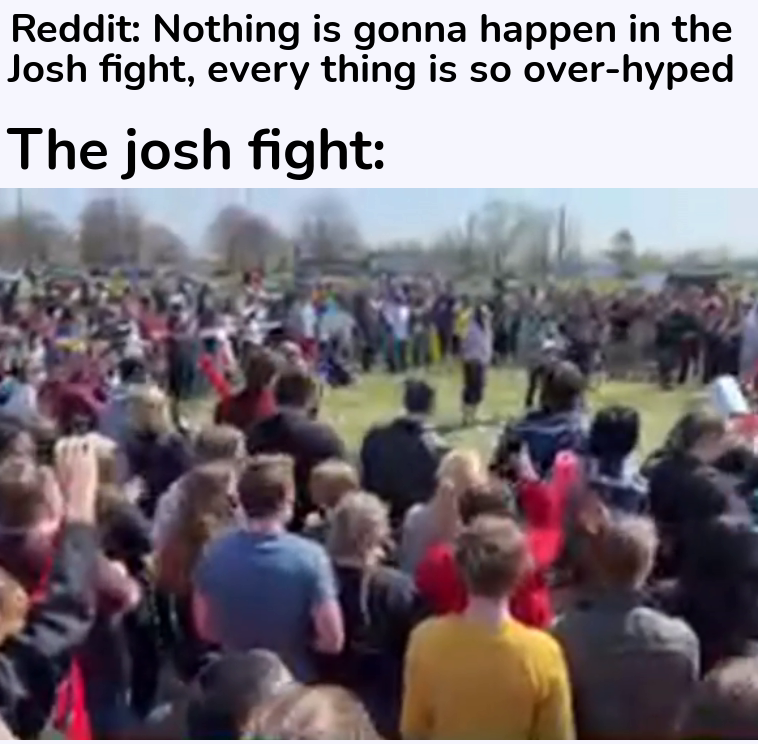
144p memes refer to images or videos that are of extremely low resolution, typically 256x144 pixels. The term "144p" comes from the resolution standard used in video playback, where 144p denotes the lowest quality setting. This results in a highly pixelated and distorted image that adds a comedic and nostalgic element to the content. The intriguing characteristic of 144p memes is that the blurrier it is, the funnier it gets.
What are some of the popular 144p memes?
One of the most iconic 144p memes is the "Loss" meme, which originated from some webcomic that gained popularity for their emotional and dramatic storyline. The meme involves reducing the resolution of the original comic to 144p, creating a distorted and barely recognizable version that has become a staple in meme culture.

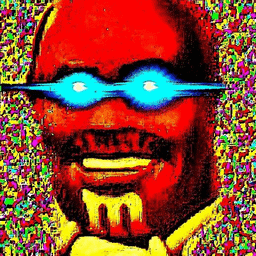
Another popular example is the "Deep Fried Memes" trend, where high-quality images are intentionally distorted and pixelated to create a surreal and absurd aesthetic. This style often incorporates 144p resolution as part of its visual appeal, resulting in a unique and recognizable meme format.
How to convert a high-quality image to 144p meme?
Converting a high-quality image to a 144p meme involves intentionally reducing the resolution and quality of the original content. This can be achieved using image editing software such as Photoshop or online tools like lowqualitymemes.com that allow for generating low quality image or gif memes easily.
Choose Your Image: Pick an image that is humorous by nature or can be made funny with a caption or editing.
Lower the Resolution: Use an online image resizer like lowqualitymemes.com to adjust your image resolution, filters, noise, and pixelation.
Add Captions: Adding captions can further enhance your 144p meme. Use contrasting colors for the text to ensure that it stands out against the low-resolution background.
Meme-ify: You can add filters or effects to give your meme a fun twist.
Share It! Share your creation on social media platforms or meme communities and enjoy the laughter it brings.
Conclusion
144p memes demonstrate how something minimal and pixelated can become a significant trend in our high-definition world, proving once again that in Memeland, creativity and humor are the reigning champions. The journey from a high-definition image to a 144p meme is a process of embracing simplicity, humor, and nostalgia, all in one low-resolution package. In the digital age where everything is in 4K and 8K, the 144p meme revolution is a pixelated trip down memory lane that puts a smile on our faces.
So, the next time you scroll past a blurry image, remember it could be the next viral 144p meme. Better yet, why not make one yourself and be a part of this fun, nostalgic craze taking the internet by storm.