
How to Make Image Quality Worse - Best Online Tool to Decrease Image Quality Easily
I'm always going down rabbit holes on Reddit, and recently I stumbled onto a whole community dedicated to intentionally making images look worse — not because they have to, but because the degraded aesthetic is genuinely beautiful. The grain, the color drift, the softness of old film — there's an undeniable charm to it. So I put together three free online tools I've tested that actually do this well.
Tips on How to Make Image Quality Worse
Achieving a worn, vintage look in photographs isn't just a matter of altering the image randomly. It involves a deliberate process, employing techniques such as:
- Reducing the resolution to make the picture appear "crunchy."
- Applying a subtle gaussian blur for a soft, unfocused effect.
- Tweaking colors to unusual shades (like greenish-yellow), desaturating some while oversaturating others, to mimic the color fidelity of old cameras.
- Adding grain and dust or scratch overlays to introduce texture and age.
- Implementing subtle chromatic aberration for that classic "distorted" look.
These methods reflect a sophistication in the approach to creating images that resonate with nostalgia and artistic imperfection.
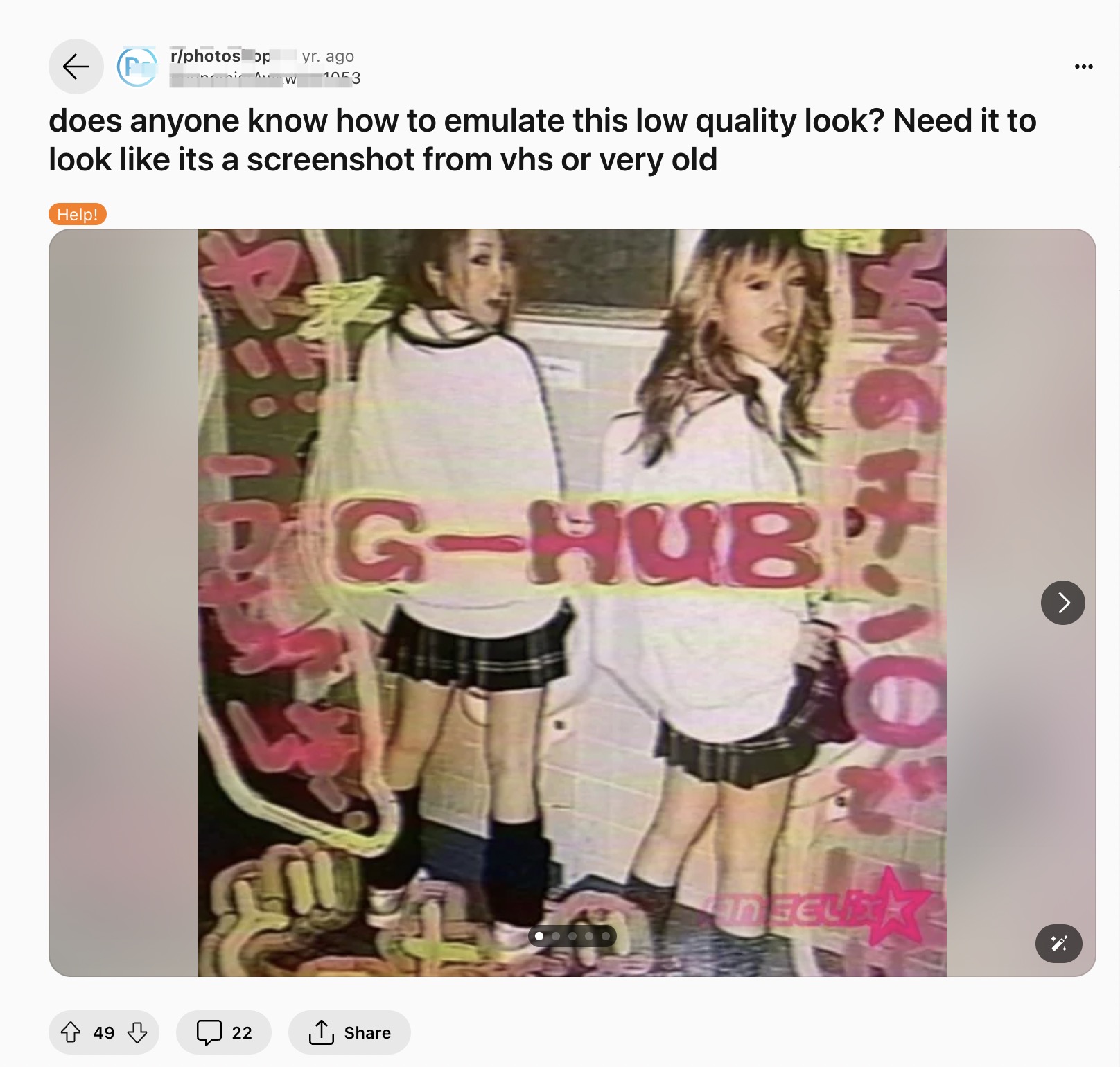
Fortunately, there are many online tools that can help you downgrade the image quality as easily as possible, just within several clicks.
Best Online Tools to Make Image Quality Worse
For enthusiasts eager to explore this aesthetic, here are three highly recommended online tools that simplify the process of degrading image quality:
- Make Image Quality Worse - lowqualitymemes.com
lowqualitymemes.com is specifically designed for creating low quality memes, this website allows users to intentionally reduce the image's quality, adding that sought-after grainy and pixelated look.
Here are the steps:
- Visit the lowqualitymemes.com website.
- Upload your desired image by clicking on the "Upload" button.
- Adjust the Resolution and Pixelation settings to lower the picture quality.
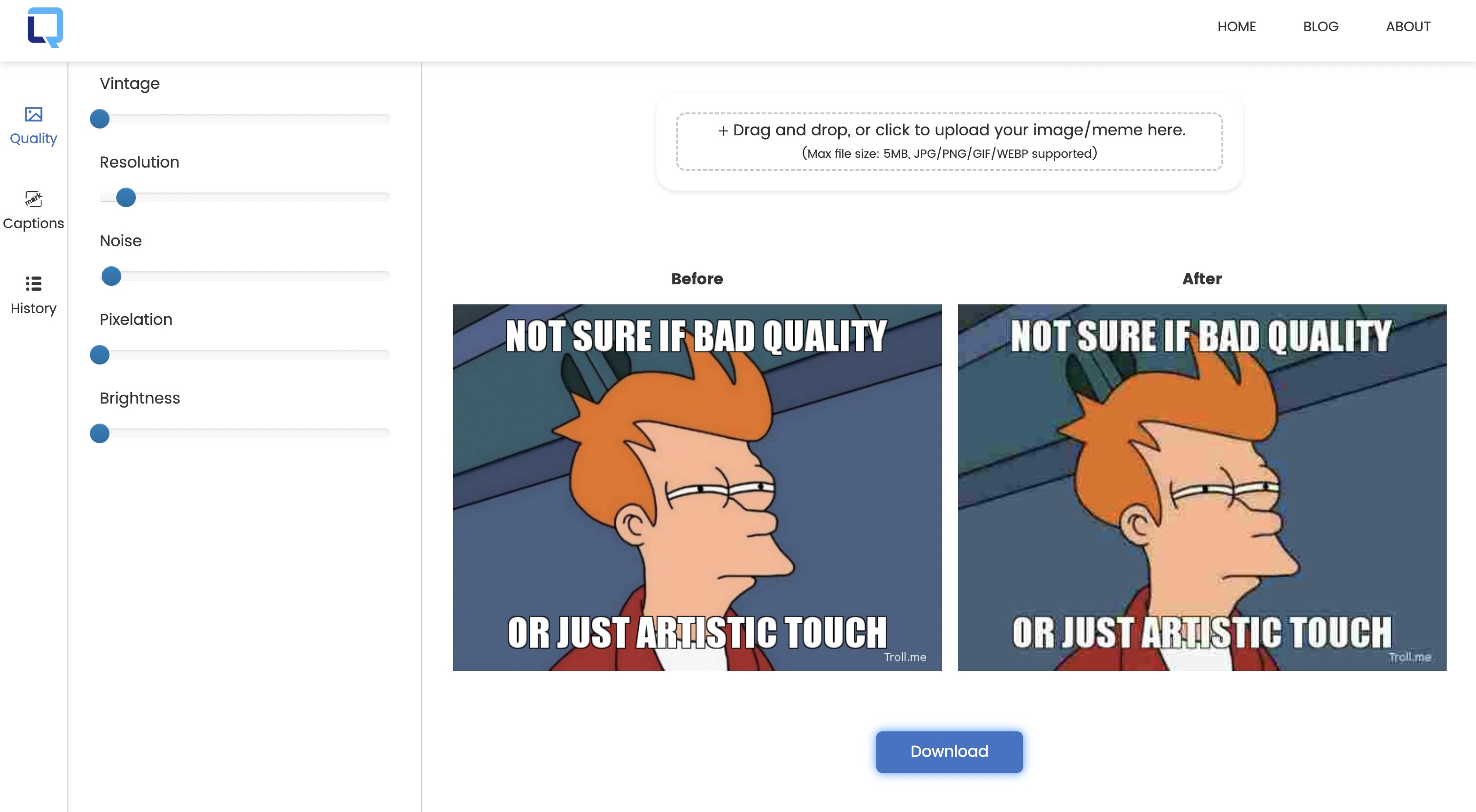
- Experiment with the Vintage and Noise option. This will give your image the classic grainy look associated with older photography.
- Save the edited image by clicking the "Download" button.
This tool is especially great for social media enthusiasts looking to create content with a retro flair.
- Give Bad Quality to Photo - lunapic.com
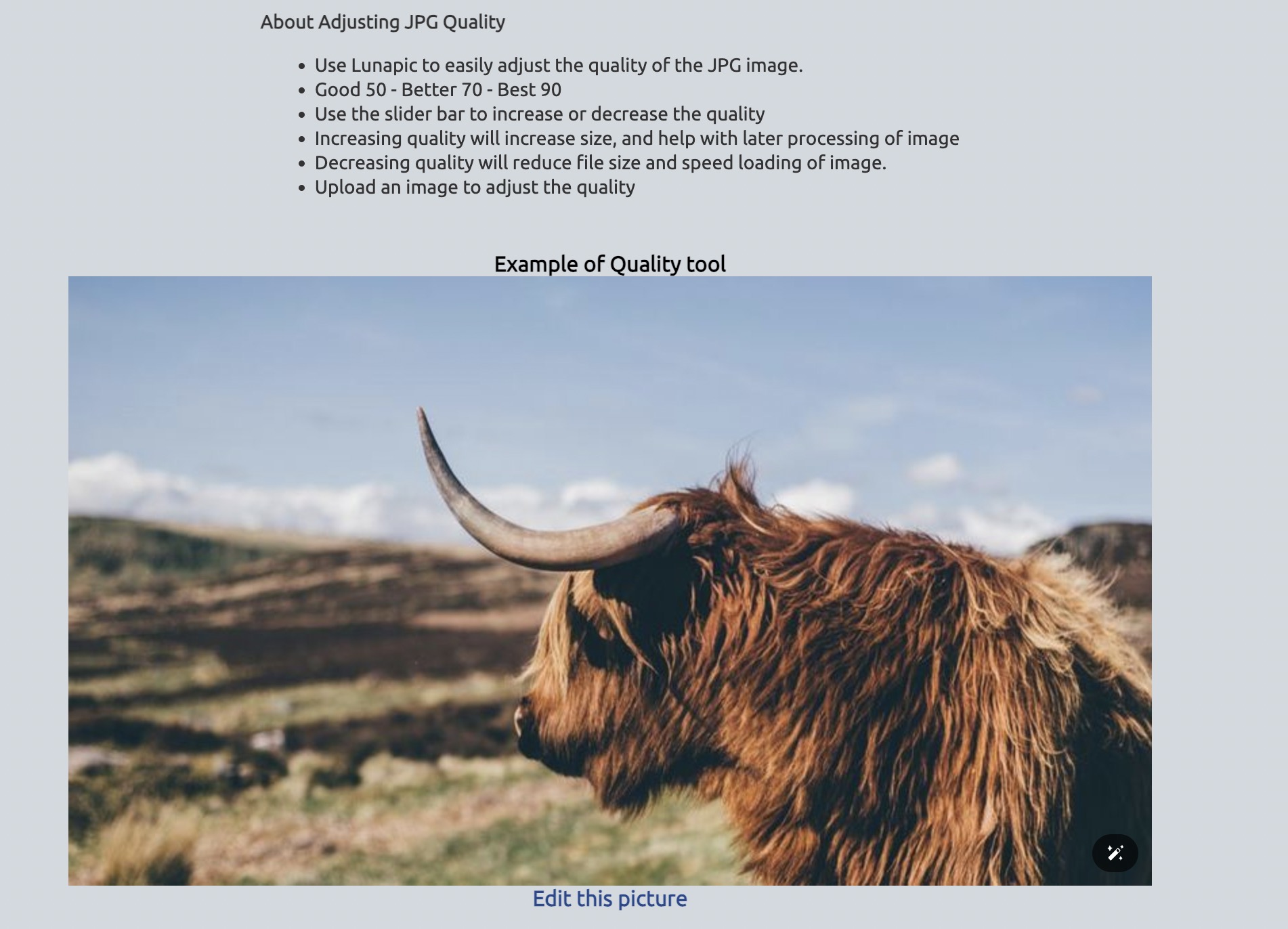
With its array of filters and editing capabilities, Lunapic enables users to achieve various effects, including the vintage or low-quality look, with ease and precision.
- Compress Image Quality - pixelied.com
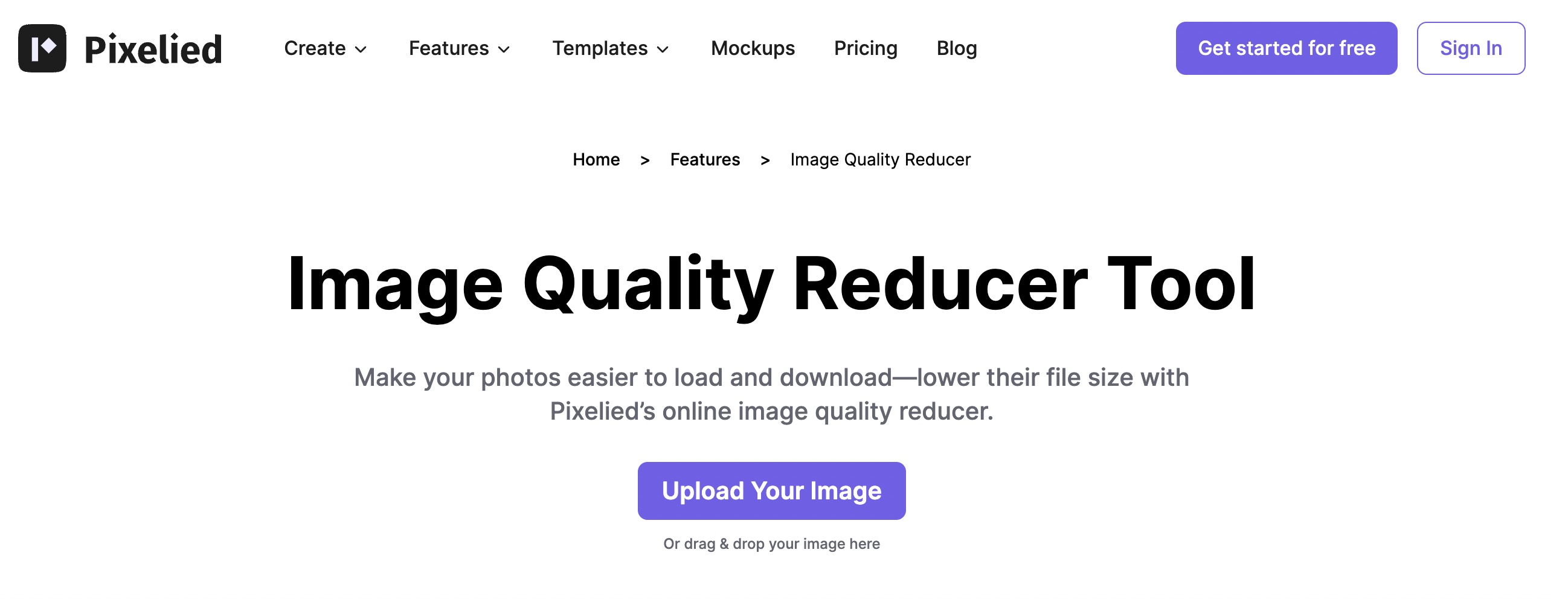
Tailored for designers seeking to add textures and effects that evoke a sense of the past, Pixelied provides a suite of tools that effectively lower image fidelity.
These tools serve as bridges to the past, allowing users to recreate images that not only capture moments but also evoke the emotions and aesthetics of yesteryears.